
Features
Staff roles & permissions
Give each team member a role with only the screens they need, require manager approval for sensitive actions and keep an audit log.
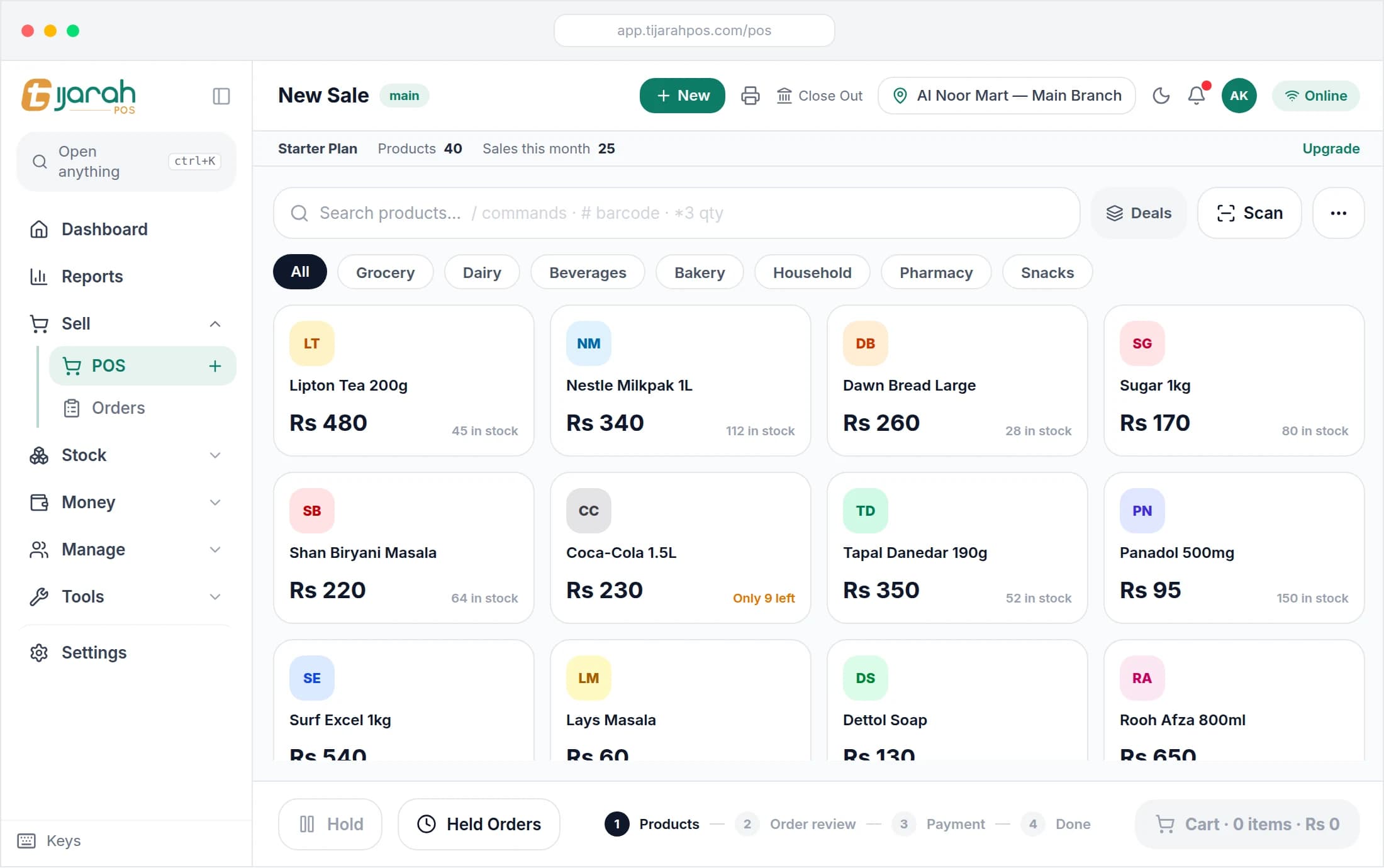
Tijarah POS lets every person on your team sign in with their own account and see only what their job needs, while you keep a record of what changed.
Roles that fit your shop
Use the built-in roles or create your own, and choose which screens each role can open.
Manager approval
Sensitive actions such as larger discounts can be set to need a manager’s PIN at the counter.
Shifts and the cash drawer
Open and close shifts on the cash drawer, so every cash difference belongs to a shift.
An audit log
See who changed what, and when, in the audit log.
Frequently asked questions
Can I stop cashiers from seeing reports or changing prices?
Yes. Each role only sees the screens you allow, so a cashier can sell without access to reports or settings.
Can I see what my staff changed?
Yes. The audit log records who changed what, and when.
Related
Run your whole business from one screen
Start your 14-day free trial today, or message us on WhatsApp and we will show you around.